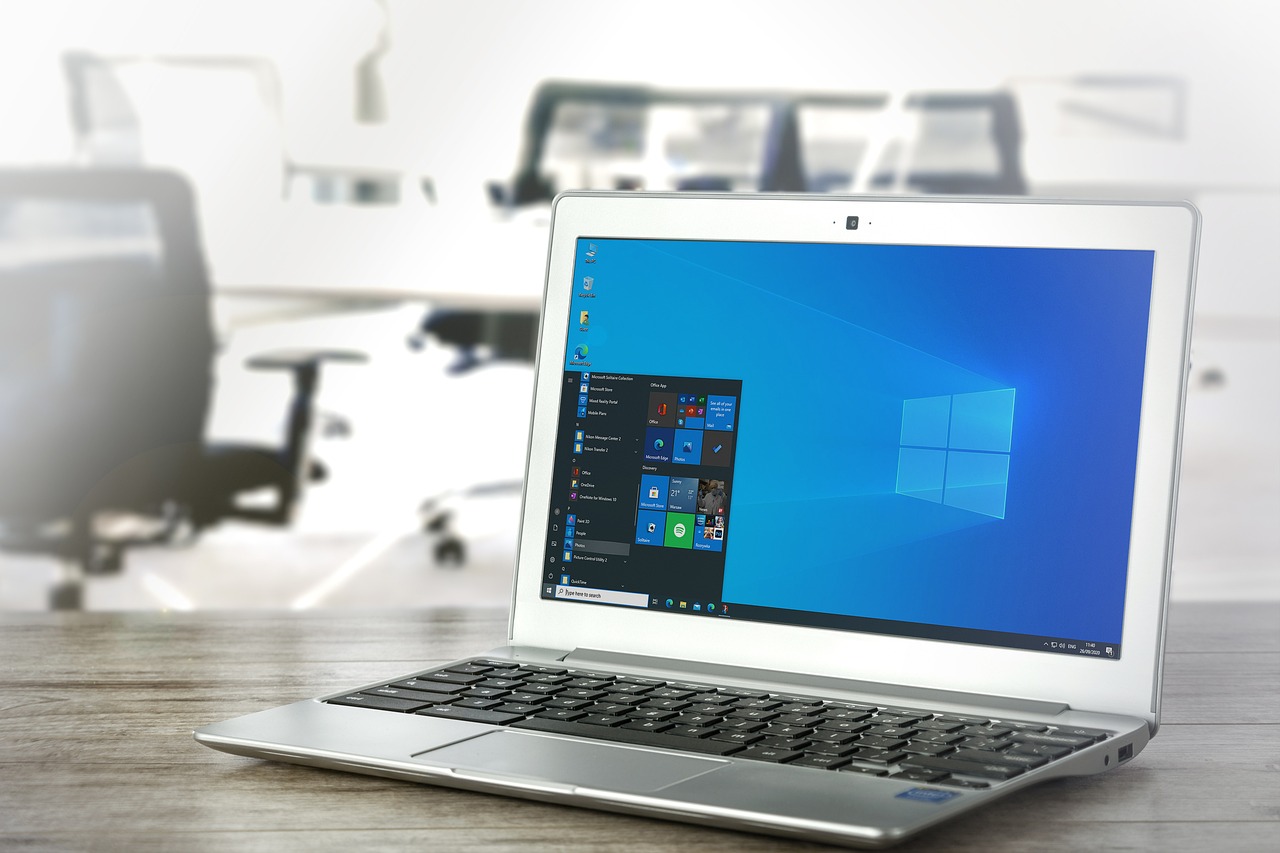
Windows 11 vs Windows 10: What Changes Have Been Made in the Latest Update
Microsoft will continue to support Windows 10 until October 14, 2025, though it is unclear how many Windows 10 updates the company will release during that time. Windows 11, the most recent version of Microsoft’s desktop operating system, was released on October 5, 2021. For Windows 10 PCs that are compatible with Windows 11, the upgrade is free.
It’s not necessary for users to update to Windows 11—unless they want to use some of its new features—because support for Windows 10 won’t be ending anytime soon. Microsoft Copilot, which was released on September 26, is one of the most important new features in Windows 11.
Here are some of the differences between Windows 11 and Windows 10 to help you determine if upgrading is suitable for you and to learn about the newest features in Windows 11.
Design and User Interface
Windows 11 has a more streamlined and clean look thanks to its centered Start menu and taskbar. Windows 10’s Live Tiles have been replaced by pinned programs and recent files in the Start menu. ComputerCity
To create a more current and refreshed look, the interface incorporates rounded corners, new animations, and a more unified design language.
Efficiency and Multitasking
With the introduction of Snap Layouts and Snap Groups in Windows 11, users may quickly flip between open windows and arrange them into various layouts.
With improved animations and customization options, the virtual desktops functionality has been updated to allow for better workspace organization. Geeks for Geeks.
Gaming and Performance
Windows 11’s gaming enhancements include DirectStorage and Auto HDR, which are designed to speed up load times and enhance game performance.
Compatibility and Security
To improve security and performance, Windows 11 has revised the system requirements, which now include a 64-bit processor, 4GB of RAM, 64GB of storage, and TPM 2.0 capability. LaptopMag
To improve security and user experience, the most recent upgrades eliminated workarounds that let people install Windows 11 without a Microsoft account. This ensures that all users have internet connectivity and a Microsoft account for a full setup.
Support and Integration
Windows 11 bridges the gap between desktop and mobile experiences by supporting Android apps via the Amazon Appstore and the Microsoft Store.
Integrated into Windows 11, Windows Copilot is an AI-powered assistant that helps with tasks like creating photos, answering inquiries, and organizing activities, all of which increase productivity.
Enhancements in Performance
Performance enhancements in Windows 11 include quicker online surfing, quicker Windows Hello logins, and quicker sleep mode wake-up times. Using fingerprints, facial recognition, or iris scans, Windows Hello is a biometrics-based solution that enables users of Windows 10 and 11 to securely authenticate access to their devices, apps, and networks.
Additionally, Microsoft has stated that Windows 11 updates, which will operate in the background, will be 40% smaller, resulting in faster download and installation times. The new operating system will assist consumers in prolonging their laptops’ battery life.
It is advised to upgrade to Windows 11 to continue receiving updates and security improvements, as Microsoft intends to discontinue support for Windows 10 on October 14, 2025.
