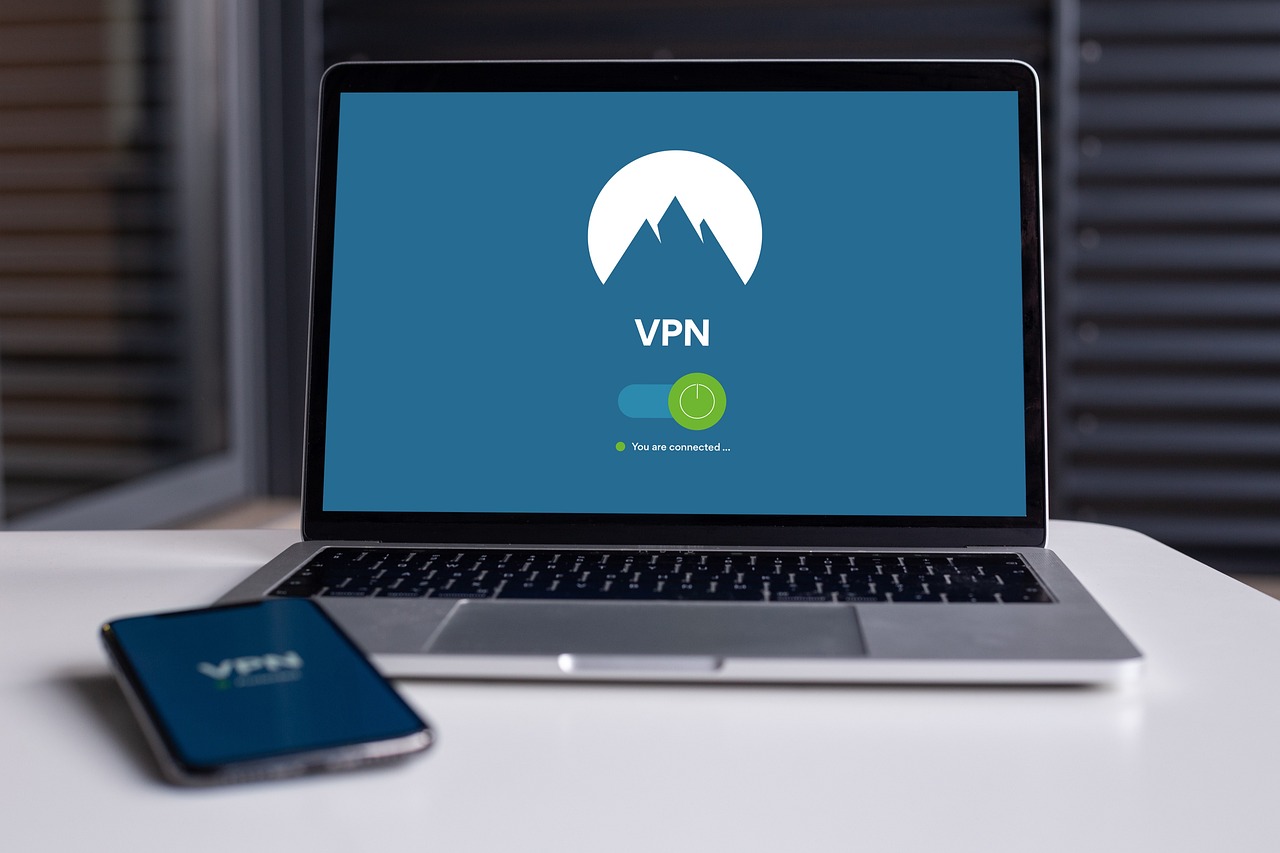
What is VPN? How to Stay Safe Online Using VPN?
A VPN (Virtual Private Network) is a service that establishes an encrypted connection between your device and the internet. It hides your IP address and encrypts your internet traffic, making it more difficult for hackers, governments, or even your internet service provider (ISP) to track your online activities.
By connecting your device to a remote server and encrypting all internet traffic, a virtual private network makes it look as though you are browsing from the location of the virtual private network server instead of your actual location.
- Without a VPN: Websites and your ISP can track your real location and online activities.
- With a VPN: Your IP address is hidden and your data is encrypted, making it nearly impossible for third parties to monitor you.
Anyone who values privacy, security, and unfettered internet access needs a virtual private network; it’s no longer only for tech-savvy individuals. But not all VPNs are made equal, and for the greatest experience, picking the correct one is crucial.

How to Use a VPN for Online Protection
Finding the most secure virtual private network is essential for anyone concerned about online privacy and data protection, but there are a lot of providers fighting for your business, and it can be difficult to sort through the clutter and determine which one is truly trustworthy. From server infrastructure to security protocols, this guide will explain what makes a virtual private network secure and how to pick the best virtual private network option for your needs. Although using a virtual private network is a terrific first step toward online safety, it works best when paired with other security measures. Here’s how to use a virtual private network to stay safe online:
1. Select a Reputable VPN
- Avoid free VPNs since they frequently track and sell user data.
- Use a reliable virtual private network provider (such as NordVPN, ExpressVPN, or ProtonVPN) that has robust encryption and a no-logs policy.
2. Always Keep Your Virtual Private Network On
- Make sure your virtual private network is always enabled, especially when using public Wi-Fi (such as in airports, cafes, and hotels).
- If your VPN has a kill switch, turn it on to prevent data leaks in the event that the connection drops.
- Use Strong Encryption & Secure Protocols
- Opt for secure protocols like OpenVPN, WireGuard, or IKEv2 instead of antiquated ones (like PPTP).
- For added security, use AES-256 encryption.
- Steer clear of phishing scams
- While a virtual private network hides your IP address, it doesn’t protect you from phishing scams; stay away from clicking on unknown links or downloading dubious files.
- Use a browser extension that blocks malware and ads.
3. Protect Your Devices & Accounts
- All accounts should have two-factor authentication (2FA) enabled.
- Create strong, unique passwords (consider using a password manager).
- Update your operating system and applications to address security flaws.
4. Combine VPN with Other Security Tools
For extra security, use an antivirus program and a firewall. Instead of using a virtual private network, consider using Tor if you require additional privacy.
5. Pick the Correct VPN Server
To avoid areas with high levels of monitoring, pick a server in a privacy-friendly nation. Connect to a nearby server for faster speed without sacrificing security.
6. Update Your Virtual Private Network Software
Whenever a new version of your virtual private network software becomes available, it’s crucial to update it. Updates include performance enhancements, bug fixes, and significant security improvements. When you neglect updates, your virtual private network connection becomes susceptible to attacks. The Linux version of NordVPN does not update automatically, in contrast to the majority of users. This guide will show you how to update NordVPN apps on Linux so you can always be safe with the newest features.
Free VPN for Virtual Private Network
You have fewer alternatives if you’re searching for a free virtual private network that supports Double virtual private network (sometimes called Multi-Hop), as most providers only offer this function in their expensive plans. Nonetheless, a few services are worthwhile to take into account:
1. Hide.me
It gives you access to its Multihop function, which enables you to tunnel your connection through numerous virtual private network servers for increased privacy, and a free plan with 10GB of bandwidth each month.
2. Proton VPN
It offers a free plan with limitless data, but the premium version is the only way to access double’s virtual private network (Secure Core).
3. Windscribe
Although it necessitates some technical setup, Windscribe provides a free plan with 10GB of bandwidth per month and offers manual settings for Multi-Hop connections.
